A slow-loading app loses users fast — three seconds is roughly the window before people give up and move on. That kind of impatience is exactly why the choice between native and hybrid app development isn’t a minor technical detail; it shapes how your product performs from the first tap.
We help clients work through that decision constantly. It affects your budget, how quickly you can ship, and ultimately how your users feel using the product day-to-day.
Native app development leans on a device’s own hardware for the smoothest possible experience. Hybrid app development trades some of that specificity for speed — one codebase, multiple platforms, faster time to market. Landing on the right choice comes down to understanding both your business goals and your technical constraints.
Need a second opinion on your project? Call (404) 984-2226 or email business@knowcode.us.
Key Takeaways
- Performance requirements often settle the native-versus-hybrid question on their own.
- Budget and timeline realities shape your technical strategy as much as preference does.
- User experience is still the biggest factor in whether people stick around long-term.
- Ongoing maintenance looks very different depending on which architecture you pick.
- A short consultation can save real time by aligning your tech choice with your actual goals.
Native vs Hybrid App Development: How Each Approach Works
How you build an app determines how it performs, scales, and interacts with the device it’s running on. Understanding the mechanics behind each approach makes the decision a lot less abstract.
What Native Apps Offer for iOS and Android Development
Platform-specific languages, app development tools, and user experiences
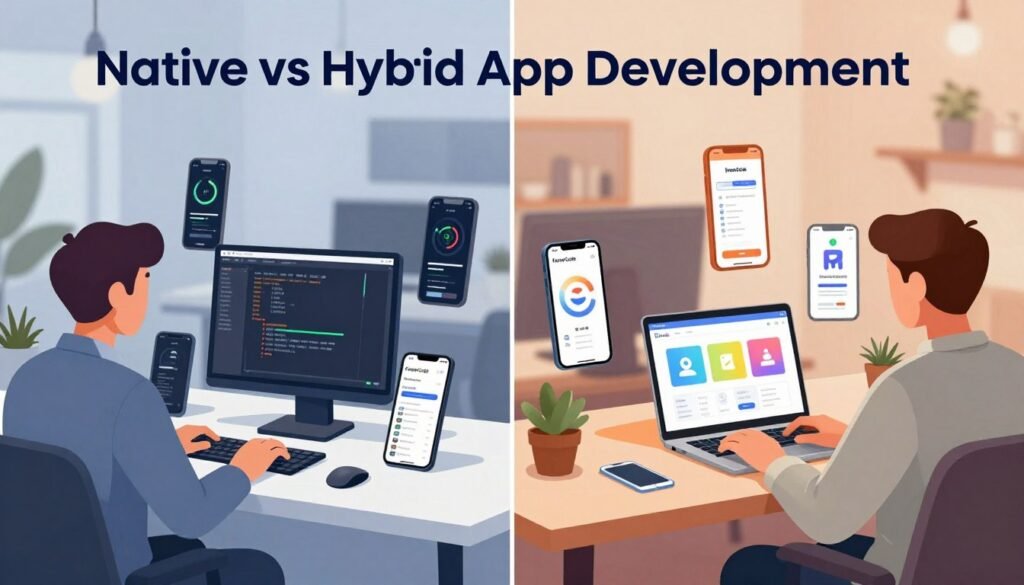
Native apps are written specifically for one operating system — Swift or Objective-C for iOS, Kotlin or Java for Android. That specificity is what gives native apps their signature fluid, responsive feel.
Performance, device integration, security, and maintenance considerations
Because native code talks directly to hardware like the camera and GPS, native app development tends to win on both performance and security. The tradeoff is maintenance: two separate codebases mean more time and more resources to keep both platforms current.
How Hybrid Apps Support Cross-Platform App Development
Shared codebases, web technologies, and app development frameworks
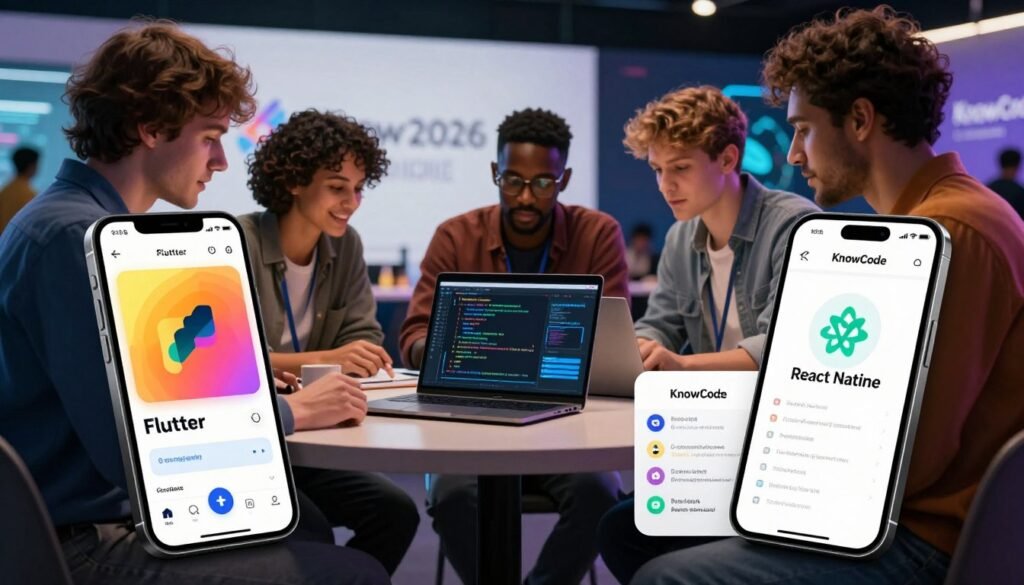
Hybrid apps run on a single shared codebase built with familiar web technologies — HTML, CSS, and JavaScript — deployed through frameworks like React Native or Flutter. That shared foundation is what makes cross-platform app development so much faster to ship.
Common tradeoffs involving speed, responsiveness, and platform features
The tradeoff shows up in complex animations or features that lean heavily on device hardware, where hybrid apps can feel a step behind native performance. Weighing that tradeoff against your actual feature list is where the real decision happens. For a second opinion, call (404) 984-2226 or email business@knowcode.us.
Compare the Pros, Cons, and Costs Before Choosing
Picking a development path means being honest about your goals, your resources, and how the app needs to hold up over time.
Native App Development Pros and Cons
Advantages: performance, polished mobile app design, reliability, and deep hardware access
Native apps deliver unmatched performance because they run directly on the device’s operating system. That translates into a polished feel, dependable reliability, and full access to hardware capabilities like the camera and GPS.
Disadvantages: separate iOS and Android development, higher costs, and longer timelines
The catch is cost and timeline. Native development means separate codebases for iOS and Android, which usually calls for a larger team or two teams working in parallel — and that adds up in both budget and delivery time.
Hybrid App Development Pros and Cons
Advantages: faster launches, shared maintenance, broader reach, and efficient testing
Hybrid development gets you to market faster because one codebase covers every platform. That also simplifies ongoing maintenance, extends your reach across more devices, and streamlines testing throughout cross-platform app development.
Disadvantages: framework limitations, inconsistent platform behavior, and possible performance issues
The downside is framework limitations — behavior can vary slightly across platforms, and performance may lag on especially demanding tasks compared to a native build.
Match the Development Approach to Our Product Requirements
Choose native development for demanding graphics, complex interactions, or advanced device capabilities
Native development makes the most sense when your app depends on high-end graphics, intricate interactions, or advanced hardware features that need direct system-level access.
Choose hybrid development for business apps, content platforms, prototypes, and budget-conscious launches
Hybrid development is usually the better fit for business apps, content platforms, early-stage prototypes, or any project where budget constraints are part of the equation from day one.
Evaluate Budget, Team Skills, Timeline, and Long-Term Scalability
Compare staffing needs, app development tools, framework support, and expected maintenance
Before locking in a direction, it’s worth checking whether your team already has the skills the chosen mobile app development tools require — and how well-supported the framework is likely to be over the long run.
Assess analytics, updates, accessibility, mobile app design, and future feature expansion
It’s also worth thinking past launch: how easy will it be to add analytics, ship updates, or expand features later? A strong mobile app design needs to stay accessible as it grows, and planning for that now avoids expensive rework down the line.
Use a Practical Selection Process Before Development Begins
Define target users, required features, supported devices, and success metrics
Start by defining your target users, the features they actually need, the devices you’re supporting, and what success looks like. That clarity keeps the entire project focused from day one.
Build a focused prototype and test performance on representative iOS and Android devices
From there, build a focused prototype and test it on real iOS and Android devices. Early testing tends to surface issues in a cross-platform app development plan long before they become expensive to fix.
Get Guidance for a Native or Hybrid App Decision
Explain how Knowcode can evaluate our goals and recommend a suitable development path
Choosing between native and hybrid is a decision with real budget implications, and it’s not one you have to make alone. At Knowcode, we look at your specific business goals and recommend the path that actually fits them.
Call (404) 984-2226 or email business@knowcode.us for tailored assistance
If you’re working through your next mobile app development project, call (404) 984-2226 or email business@knowcode.us for a personalized assessment.
Conclusion
The right development strategy always comes back to your business goals — balancing performance, budget, and timeline rather than chasing one at the expense of the others.
Modern app development frameworks are flexible enough to support teams of nearly any size, but user experience and long-term cost should stay at the center of the decision. The right tools keep your app fast and efficient across platforms, provided you’ve weighed your team’s skills against what the project actually needs.
At KnowCode, we work through these trade-offs with businesses regularly, helping them land on technology choices that hold up as their product grows. Call (404) 984-2226 or email business@knowcode.us to talk through your development plan.
FAQ
What is the primary difference between native vs hybrid app development?
Why should we choose native apps for our mobile app development project?
How do hybrid apps benefit cross-platform app development?
What specific app development tools are used for each approach?
Is native development more expensive than hybrid development?
How can we determine which approach is right for our specific business goals?
Can we switch from a hybrid app to a native app later on?
Ready to experience the difference? Click here: KnowCode – A Unit of DigitalSquad LLC.