

Did you know 88% of online visitors are less likely to return after a bad experience? This shows how important a good digital interface is. Businesses often lose money because their site is hard to use.
This guide helps you improve your online presence by avoiding common mistakes. We’ll look at key areas like visual hierarchy, navigation, and accessibility. These factors greatly affect how people see your brand and use your services.
Creating a smooth interface needs careful attention and a focus on making users happy. If you need help, call KnowCode at (404) 984-2226 or email business@knowcode.us. We’re ready to help you make experiences that work.
Key Takeaways
- First impressions are vital for retaining site visitors.
- Visual hierarchy guides users toward your primary goals.
- Clear navigation prevents frustration and bounce rates.
- Accessibility ensures your platform works for every user.
- Responsive layouts maintain trust across all mobile devices.
- Professional guidance can significantly improve your interface performance.
Why Avoiding Common UI Design Mistakes Matters
Creating a successful digital product is more than just looks. We must focus on ui design best practices. This ensures every part of the design helps the user.
Connect interface choices to usability, accessibility, and user trust
Designing is about building trust with our audience. If an interface is hard to use, trust drops fast. By designing for usability, we make sure everyone can use it easily.
Use user feedback and usability testing to identify hidden friction
Usability testing finds the small problems users face. It helps us avoid big issues. Feedback sessions help us make our design better and easier to use.

Recognize the difference between visual appeal and effective interaction
A pretty website is not enough if it doesn’t work. We need to focus on making it functional. Good design is about logic, consistency, and easy use.
Measure success through task completion, clarity, and user confidence
We measure success by how well users can do their tasks. High success rates mean our design is working. When users feel confident, they come back.
| Focus Area | Visual Appeal | Effective Interaction |
|---|---|---|
| Primary Goal | Attract Attention | Solve Problems |
| Success Metric | Aesthetic Rating | Task Completion |
| User Impact | First Impression | Long-term Loyalty |
Get help from KnowCode: (404) 984-2226 or business@knowcode.us
Modern interface design can be tough. If you need help, KnowCode is here. Call (404) 984-2226 or email business@knowcode.us to get started on designing for usability.
Common UI Design Mistakes to Avoid in Visual Structure
Many graphic design blunders happen when looks come before user experience. A messy site makes it hard for users to get what they need. We must make sure each part has a clear role to avoid user interface mistakes that annoy visitors.
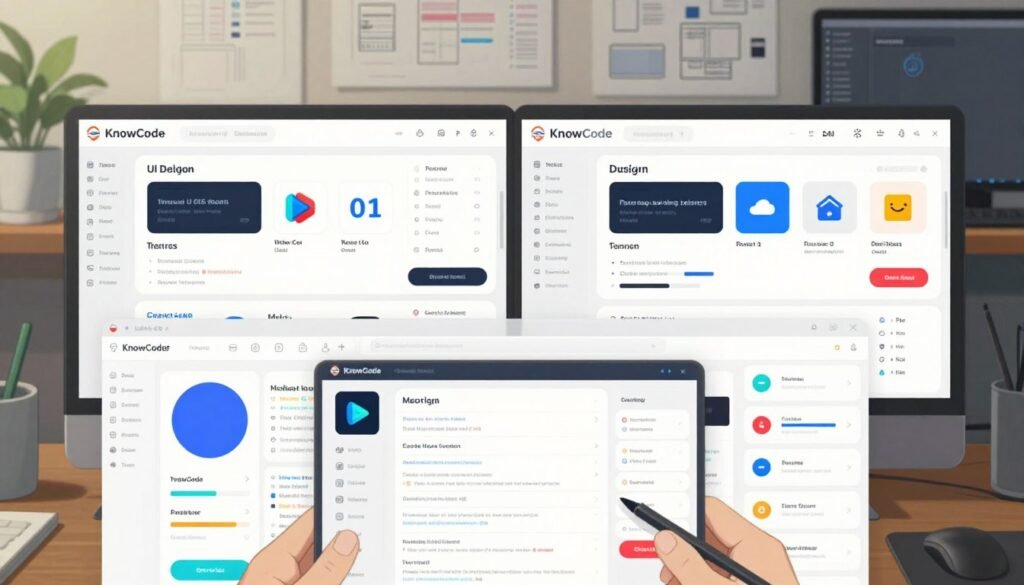
Overloading screens with too many elements
Reduce cognitive load with hierarchy, grouping, and progressive disclosure
Too much info on one screen makes users work too hard. This causes them to leave quickly. By organizing content well, we help users navigate easily.
Using inconsistent layouts, controls, and visual styles
Create reusable design patterns and document interface rules
Being all over the place is a big interface design error. When things change suddenly, users get lost. A solid design system keeps everything looking like it belongs together.
Choosing poor typography and weak color contrast
Improve readability with accessible type sizes, spacing, and contrast ratios
Good typography is key to clear communication. If text is hard to read, many people won’t get your message. Making your site easy to read is essential for everyone.
Relying on decorative graphics that distract from the task
Replace unnecessary visual noise with purposeful graphic design
Decorative stuff should never get in the way of what you want users to do. Too much flash or images can hide the main point. Only use graphics that help or guide users.
To avoid these interface design errors, focus on simplicity and what users need. For help improving your design, contact us. Call (404) 984-2226 or email business@knowcode.us to talk about your project.
User Interface Mistakes That Create Website UX Errors
Small oversights in interface design can lead to big website ux errors. These problems often come from not thinking about how people use digital spaces. By avoiding design faux pas, we can make sure visitors find what they need easily.
Hiding navigation or making important actions difficult to find
Use familiar labels, clear placement, and visible calls to action
Users expect menus at the top. Hiding them makes finding basic info hard. Clear placement and bright buttons help keep main goals in sight.
Designing unclear buttons, links, forms, and error messages
Write specific microcopy that explains what users should do next
Vague labels like “Submit” confuse users. Use descriptive microcopy to tell users what happens next. Also, helpful feedback on form errors is key for a smooth experience.
“Good design is obvious. Great design is transparent.”
Ignoring responsive behavior across phones, tablets, and desktops
Test layouts, touch targets, loading states, and content priority at every breakpoint
A site perfect on desktops might fail on mobiles. We must test responsiveness to ensure touch targets are big and content scales right. Ignoring these details can lead to website ux errors.
Skipping accessibility and designing only for ideal users
Support keyboard navigation, screen readers, focus states, and varied abilities
Designing for everyone is key to avoiding design faux pas. Make sure your site works with keyboards and screen readers for all users. For help with these tech needs, call KnowCode at (404) 984-2226 or email business@knowcode.us.
Conclusion
Great design is all about balance. It needs structure, clarity, and accessibility. When we focus on clean layouts and easy navigation, we connect better with users.
Testing your site on different devices is key. It makes sure everyone has a smooth experience. Look at your current design to find areas that need improvement.
At KnowCode, we help businesses improve their online presence. We have the skills to make your interface work better. Call us at (404) 984-2226 or email business@knowcode.us to begin your project.
FAQ
What are the most common ui design mistakes to avoid in modern web development?
Common mistakes include too much on the screen, confusing navigation, and bad color choices. These errors often happen when looks take over function. A clean interface is key to user happiness.
For a professional check-up, call KnowCode at (404) 984-2226.
How can we implement ui design best practices to build user trust?
Trust comes from being consistent and reliable. Use standard components and layouts to create a secure feel. A strong design system helps avoid confusion.
Need help with your design system? Email us at business@knowcode.us.
Why is accessibility critical when trying to prevent website ux errors?
Accessibility is essential, not optional. Many errors happen when designers forget about keyboard use, screen readers, or contrast. Avoiding mistakes like light text on white backgrounds makes sites usable for all.
At KnowCode, we help make your site accessible to more people.
What are the consequences of frequent graphic design blunders on a brand?
Big mistakes, like too many decorations or mismatched icons, can hurt a brand’s image. These errors distract users and lower the product’s value. We aim for designs where every element has a purpose.
For a design review, call (404) 984-2226.
How do we identify and resolve user experience pitfalls in existing interfaces?
We find problems through testing and user feedback. Watching how users interact helps us see where they get stuck. Fixing these issues often means making menus simpler and actions clearer.
High bounce rates? Contact KnowCode at business@knowcode.us for help.
What role does responsive behavior play in avoiding design faux pas?
Designing only for desktop is a big mistake. We must make sure everything works well on mobile too. Testing on different devices is key to avoiding errors that scare off mobile users.
Our team makes sure your design works on all screens.