
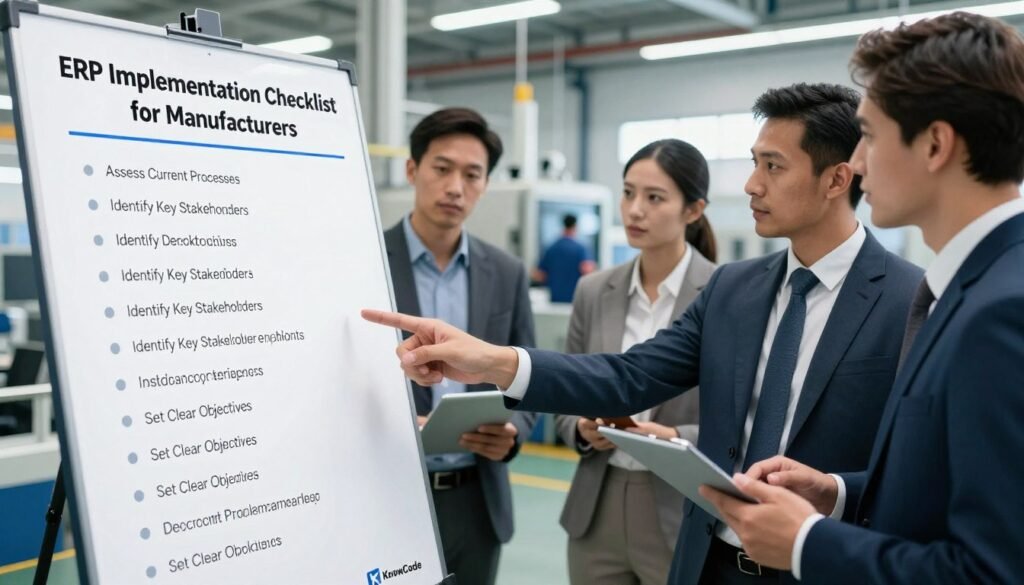
The ERP Implementation Checklist for Manufacturers
Many large digital transformation projects fall short, and production environments, with their tangle of materials, schedules, and compliance rules, leave little room for guesswork. A structured ERP implementation checklist for manufacturers is one of the most reliable ways to protect your investment. Good upfront planning is the first defense against poor results. This guide outlines the key steps in a manufacturing ERP implementation to keep your team on track. We focus on readiness, data integrity, and workflow testing — the three areas that most often decide whether growth lasts. Following these steps helps you avoid the traps that derail industrial projects. Success depends on precision and clear communication across every department. If you’d like expert help with the changes ahead, call (404) 984-2226 or email business@knowcode.us. We’re ready to help you streamline operations and reach your goals. Key Takeaways Know the critical phases of system deployment. Put data accuracy first for smooth transitions. Line up internal workflows with the system’s new capabilities. Invest in training to raise user adoption. Professional support lowers operational risk. ERP Implementation Checklist for Manufacturers: Assess Readiness and Define the Project A digital transformation starts with an honest look at how your business runs today. Before choosing a vendor, make sure your team understands your manufacturing setup. A detailed project checklist prevents mistakes and keeps the work on schedule. Conduct an ERP Readiness Assessment Across Manufacturing Operations The first step is a thorough readiness assessment. It shows where your current systems perform well and where they no longer meet today’s standards. Document production workflows, job costing, inventory controls, procurement, quality management, and maintenance processes Map every significant part of your facility. Record how materials move through production and how costs are tracked, so the new system fits your operations rather than forcing you to bend around it. Identify operational gaps, compliance requirements, system limitations, and employee readiness Once your processes are written down, look for gaps between what you do now and what you’ll need. Consider compliance obligations and system limits, and above all, check whether your people are ready for change, because buy-in makes or breaks adoption. Establish Measurable Goals, Scope, Budget, and Project Governance Clear goals give your whole team direction. Without a defined scope, projects tend to balloon, bringing cost and schedule trouble. Set objectives for production scheduling, inventory accuracy, order fulfillment, financial visibility, and scalability Make goals specific and measurable: better scheduling, more accurate inventory, clearer financial visibility. These become your main benchmarks for success and support manufacturing process optimization over time. Assign executive sponsors, department owners, implementation leads, and decision-making responsibilities Strong governance is the backbone of ERP project management. Name executive sponsors and department owners, and agree on how decisions get made so approvals don’t stall the work. Define milestones, risk controls, resource needs, and criteria for successful ERP implementation Break the project into manageable stages so progress is easy to track. Spot risks early and plan responses. For help setting these criteria, call (404) 984-2226 or email business@knowcode.us. Select an ERP Platform That Fits Manufacturing Requirements Choosing software means understanding how it matches your production model. Not every system copes well with the realities of modern manufacturing, so check it against your manufacturing industry requirements. Evaluate discrete, process, mixed-mode, and make-to-order manufacturing capabilities Confirm the platform supports the way you produce. Whether your operation is discrete, process-based, or mixed-mode, the software has to adapt to your workflows. Review materials requirements planning, bills of materials, routings, shop-floor control, and lot traceability Look for strong tools for MRP and bill-of-materials management. Lot traceability and shop-floor control matter for both quality and compliance. Compare integration options for accounting, customer relationship management, warehouse management, equipment, and e-commerce systems Finally, see how well the ERP connects to what you already use. A smooth link between accounting, CRM, and warehouse systems drives operational efficiency. For help with integrations, contact our team at (404) 984-2226 or business@knowcode.us. Execute the Manufacturing ERP Implementation Plan The execution phase is where your transformation takes shape. A structured plan keeps the rollout on course so you capture the benefits you expect, and sound ERP deployment strategies make the difference. Prepare Master Data and Build a Reliable Migration Plan Begin by cleaning and standardizing your data, including item records and bills of materials. Remove duplicates and fix errors before anything moves to the new system. Then decide who owns the data and how it will be migrated. Set validation rules and backup plans, and make sure everyone understands their part in the transition. Configure Workflows, Roles, Controls, and Manufacturing Modules Set up your modules with care: purchasing and sales orders, inventory movements, and quality inspections. Map today’s processes onto the new digital workflows so operations stay efficient. Configure user permissions, approval paths, dashboards, alerts, and segregation-of-duties controls ecurity and visibility both matter. Build dashboards around roles so each person sees the data they need. Use ERP best practices for manufacturers by limiting unnecessary customization and documenting approved changes Following manufacturing ERP best practices keeps the system stable. Record every approved change, which helps with later audits and upgrades. “The secret of getting ahead is getting started, but the secret of staying ahead is maintaining a clean, scalable system architecture.” Integrate the ERP System With Critical Business Technology Link your ERP to accounting and production equipment. Implementing an ERP system in manufacturing calls for solid API connections so data moves reliably between systems. Test End-to-End Scenarios Before Employees Go Live Testing proves the system works under real pressure. We simulate high-volume transactions to confirm performance holds when the load is heavy. Train Users and Manage the Transition to the New System Train every role, and tailor sessions to each job function. That raises adoption across the organization. Monitor Early Results and Optimize the ERP Environment Track key performance indicators after launch, such as inventory accuracy and production efficiency, to spot where improvement is possible. Review user feedback, resolve adoption issues, prioritize enhancements, and schedule future releases Continuous improvement is part of
The ERP Implementation Checklist for Manufacturers Read More »