

A large majority of online stores now rely on third-party software to keep growing — a sign of just how often merchants run into gaps that off-the-shelf store settings can’t close. This Shopify app development guide for beginners was put together to help make sense of that world of e-commerce extensions.
Building your own tool can feel intimidating at first glance. Whether the goal is automating inventory or smoothing out checkout, getting there takes real planning, careful testing, and a thorough review process. Consider this beginner’s guide a practical, step-by-step path through that process.
Working on a project already? Call (404) 984-2226 or email business@knowcode.us — we’re ready to help turn the idea into something real.
Key Takeaways
- Custom software plays a genuinely important role in modern e-commerce.
- Learn the core phases of app development, from early planning to deployment.
- Understand how to navigate the Shopify App Store review process smoothly.
- See why merchants actively seek out specialized tools to improve performance.
- Professional support is available to speed up technical projects.
Shopify App Development Guide for Beginners: Plan the App and Prepare the Tools
Successful software starts with a clear idea and the right setup. This section walks through turning a concept into something genuinely useful for store owners.
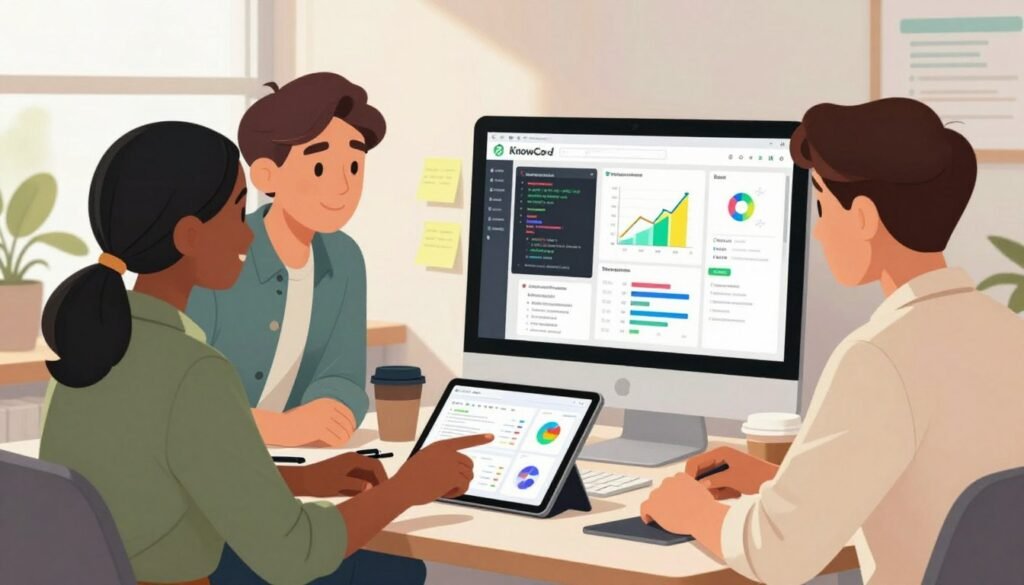
Define the Merchant Problem, Target Users, and Core App Features
Start by identifying a real, recurring pain point for merchants — something that signals either a broken workflow or a feature that’s simply missing.
Aiming at a focused audience tends to produce more real value than trying to serve everyone at once. Once the problem is clear, list out only the features truly needed to solve it, and keep the resulting app as simple to use as possible.
“The best products are built by those who listen to the user’s struggle and provide a seamless path to success.”
Choose Between a Public App, Custom App, and Shopify Extension
Understanding the different app types early shapes a lot of what comes next, since each serves a different purpose within the Shopify ecosystem.
| App Type | Primary Use Case | Distribution |
|---|---|---|
| Public App | General merchant needs | Shopify App Store |
| Custom App | Specific store requirements | Direct installation |
| Extension | UI/UX enhancements | Embedded in themes |
Create a Shopify Partner Account and Development Store
Getting hands-on with Shopify app development requires a safe place to test. A Shopify Partner account allows unlimited development stores, which keeps testing completely separate from any real merchant data.
Need help getting set up? Call (404) 984-2226 or email business@knowcode.us
Set Up a Local Development Environment with Shopify CLI
The Shopify CLI handles much of the setup work — authentication, project scaffolding, and more — making local development considerably less tedious:
- Install the latest version of Node.js
- Use the CLI to initialize your project
- Link your local environment to your development store
Select a Suitable Technology Stack and App Architecture
The right stack depends on the project and your team’s existing skills. React tends to be the preferred frontend choice, with Node.js or Ruby on Rails commonly used on the backend.
Whatever stack you choose, the architecture needs to support secure data handling and efficient API communication from the start — a solid structure now makes updates far easier once the user base starts growing.
Build, Test, and Secure the Shopify App Step by Step
Taking an app from first commit to launch involves several distinct phases. Following a structured path here keeps the app both secure and performant throughout its life.

Start the App with Shopify CLI and Configure Authentication
Set the Required API Scopes and OAuth Permissions
API scopes should be defined early using the Shopify CLI, since they determine exactly what store data your app can access. The safest approach is to request the minimum access actually needed — nothing more.
Protect Store Data with Secure Credentials and Environment Variables
API keys and secret tokens should never be hardcoded directly into your codebase. Environment variables keep sensitive credentials out of version control and away from public exposure.
Connect to Shopify APIs and Retrieve Store Information
Use the GraphQL Admin API for Products, Orders, and Customers
The GraphQL Admin API is well-suited for retrieving specific data efficiently. Requesting only what’s actually needed keeps the app faster and lighter on network resources.
Use Webhooks to Respond to Store Events
Webhooks let an app react immediately to events like new orders or product changes, keeping it in sync with the store without constant polling.
Create a Merchant-Friendly Interface Inside Shopify Admin
Use Polaris Components for Consistent Shopify Experiences
Shopify’s Polaris design system makes it straightforward to build an interface that feels native to the platform. Using Polaris components helps an app feel familiar to merchants already comfortable navigating their Shopify dashboard.
Design Clear Settings, Error Messages, and Loading States
A well-designed interface communicates clearly at every step. Helpful error messages and visible loading states keep merchants informed while the app works in the background.
Test the App in a Development Store Before Launch
Check Authentication, API Limits, Webhooks, and Billing Behavior
Before launch, confirm the app behaves correctly across different browsers. Pay close attention to API rate limits and verify that billing logic charges correctly for whatever services the app provides.
Validate Performance, Data Privacy, and Mobile Usability
Testing on mobile devices is essential, not optional — a meaningful share of merchants will interact with the app that way. Data privacy compliance is also non-negotiable for every Shopify app, regardless of size.
Prepare the App for Deployment and Shopify App Store Review
Configure Hosting, Production Environment Variables, and Monitoring
Once the code is ready, deploy to a reliable host and set up production monitoring to catch errors and performance issues early — ideally before merchants ever notice them.
Complete the App Listing, Required Policies, and Review Requirements
The final step is preparing a clear App Store listing, complete with documentation and privacy policies. For help with this stage, call (404) 984-2226 or email business@knowcode.us.
Conclusion
Building a genuinely good app takes both careful planning and real technical skill. Focused, deliberate development tends to produce better experiences for merchants — and that focus is what supports long-term success on the platform.
Secure implementation and thorough testing deserve priority at every stage, since they’re what keep merchant data safe and the user experience reliable across every new release.
Treat these practices as a daily habit rather than a one-time checklist. Regular updates after launch keep an app working smoothly as Shopify’s platform continues to evolve — and staying current is a big part of what keeps an app popular with store owners over time.
Ready for your next technical challenge? Call (404) 984-2226 to talk through your needs, or send your project details to business@knowcode.us for a detailed review.
FAQ
How do we begin getting started with Shopify app development effectively?
Start by creating a Shopify Partner account and setting up a development store, which lets you test freely without touching live store data. Call (404) 984-2226 or email business@knowcode.us for help getting set up.
Where can we find a comprehensive Shopify app development tutorial for our first project?
Shopify’s official developer documentation is a solid starting point. Our team can also help with integrating the GraphQL Admin API and Polaris design components, typically using Remix and Node.js for modern prototypes.
What are some essential Shopify app development tips for new developers?
Prioritize security from the start — use environment variables for credentials and validate HMAC signatures on webhooks. Staying within API rate limits also avoids unnecessary throttling. Call (404) 984-2226 for more guidance.
How can we learn Shopify app development while ensuring our code is secure and scalable?
Starting with a custom app built for a single store is a lower-risk way to build confidence before attempting a public app. Getting comfortable with OAuth 2.0 flows and API scopes early pays off later. Email business@knowcode.us for help.
What should a step-by-step Shopify app development guide include for a successful launch?
A solid guide covers problem definition, local environment setup, and deployment to a host like Fly.io or Heroku, along with thorough testing in a development store to confirm billing and data privacy work correctly before submission.
Why are Shopify app development best practices critical for our app’s performance?
Following established best practices keeps an app compatible as Shopify’s platform evolves. Using App Bridge and optimizing GraphQL queries both contribute meaningfully to performance. Call (404) 984-2226 for an optimization review.
How does a beginner’s guide to building Shopify apps help us navigate the Shopify App Store review process?
A good guide outlines exactly what’s required — a privacy policy, mobile compatibility, and more — which helps avoid common rejection reasons. For more complex builds, email business@knowcode.us for expert review.
Ready to experience the difference? Click here: KnowCode – A Unit of DigitalSquad LLC.